
Transform the People, Transform the Organization.
Your organization has unique individuals and dynamics. Each situation is different. Since 2005 Dr. Camras has been transforming individuals and teams and helping to bring inspiration and engagement into Fortune 500 and 1000 Companies, Multinational Companies, Universities and large Non-Profits.
Long term positive change for individuals and teams translates into bottom line growth.
Corporate Coaching Partners:







Specialties
Learn more about all of our areas of expertise by visiting the Services page.
To successfully move their organizations into the future, business leaders must have an ability to influence and inspire their employees through vision, strategic planning, passion, drive and personal advocacy. Learn how to foster a climate of experimentation and innovative….
Strategic and innovative thinking is a process that lays out how people think about, evaluate, view and create a future for their business. Learn the coaching tools and skills needed to motivate, delegate, develop a high process of…
Successful businesses have employees who understand the direction and purpose of the business, who align around the roles and responsibilities needed to implement the work, who are…
Testimonials
After just a few months of working with Marc I have made significant progress on recognizing and addressing weaknesses in my communication style. This has enabled me to create consensus at the executive level on several critical strategic issues facing my business. I wouldn’t have been able to achieve this without Marc’s help. I can’t recommend him highly enough. ”
- Amanda, CHRO Catalyst Biosciences
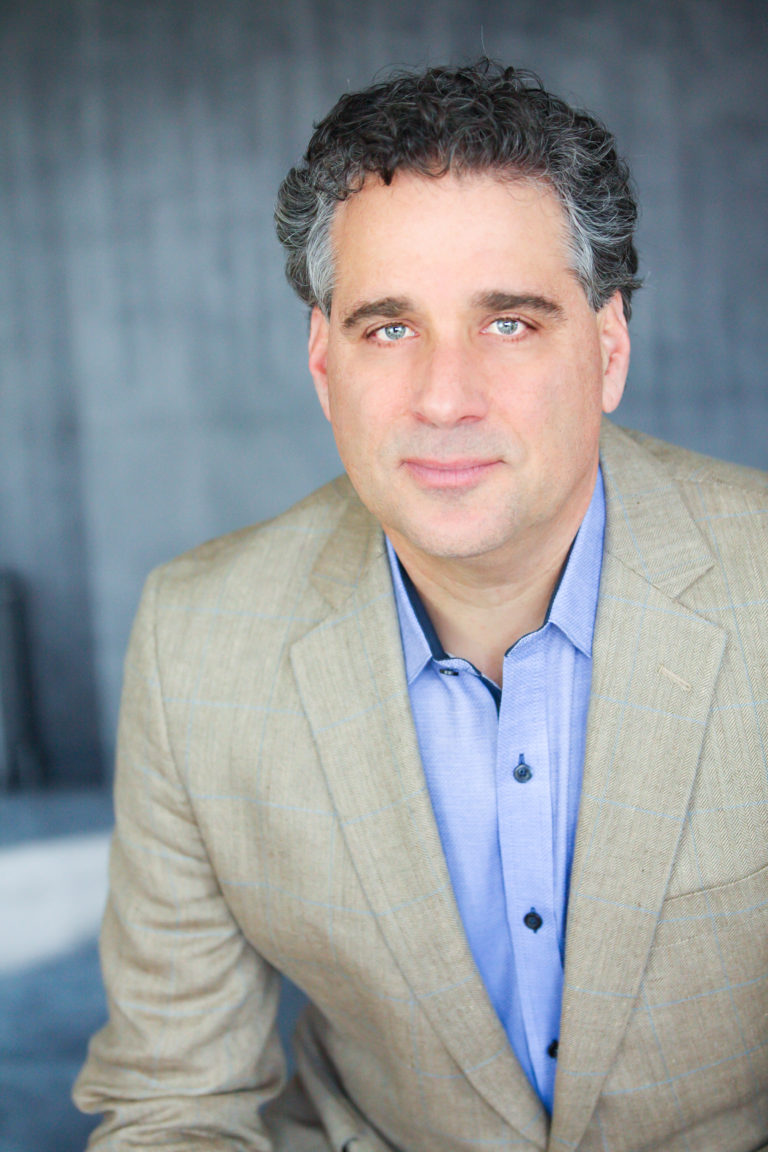
About Dr. Marc Camras
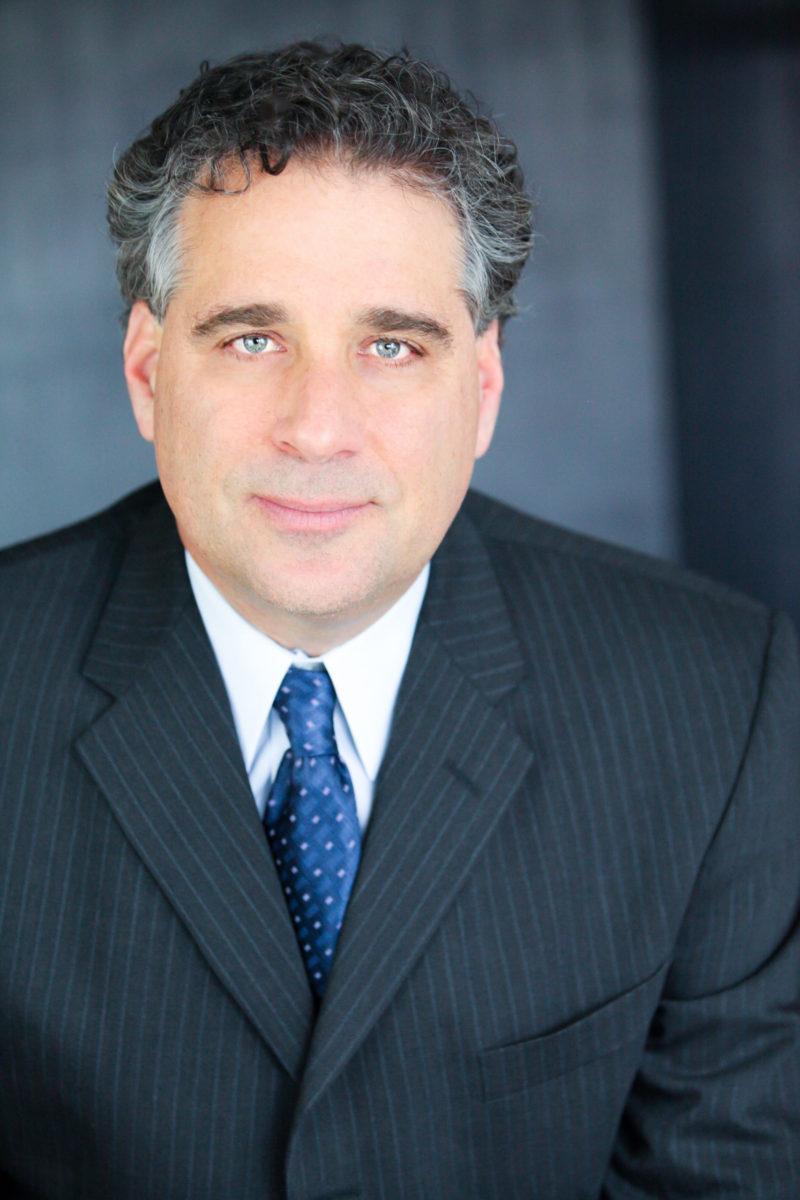
Dr. Marc Camras is the founder of MVision Consulting LLC, which provides Coaching and Consulting services to Fortune 500 and 1000 companies, franchises, small independent businesses, non-profits, educational institutions, and non-governmental organizations in the U.S., Latin America, Asia, and the Middle East. As an Entrepreneur and Executive Coach, he specializes in executive and team coaching, leadership development, succession planning, innovative thinking, organizational and personal assessment, action learning, mentoring, cross-cultural relations and inter-organizational linkages.
Dr. Camras has coached trained and assessed hundreds of executives, upper level managers and business owners in leadership development, built organizational alliances, organized administered and assessed health, social, education, and mentoring programs, and consulted on issues of leadership, strategy, culture development, and innovation. He has led workshops for Fortune 500 and 100 companies, the University of California, San Diego Search Institute, The National Society for Experiential Education, non-profit organizations, and the Ministry of Special Education in Cuba. Besides running his coaching and consulting business, Dr. Camras works as an Executive Coach for the Center for Creative Leadership, Coach Source and Center for Organizational Effectiveness.
Prior to opening MVision Consulting, he started a Human Resources Consulting and Outsourcing Firm, was an Organizational Development Consultant, and a professor at UC San Diego, UC Irvine, and Alliant International University. He has designed and taught his own courses in the areas of Organizational Communication, Leadership, Human Development and Psychology, Education, and Citizenship. At these campuses, he received community development grants from various foundations, served as a consultant and trainer to graduate students, professionals, and faculty interested in improving their teaching skills and methodologies. He has also worked with foreign and domestic student business interns to improve their communication, organizational, and business skills so that they could excel as leaders in their respective countries. Marc earned a PhD in Human Information Processing from UC San Diego, a Masters in Education from Harvard, and a BA in Psychology from UC Berkeley. He has authored the book, “The Secrets of Franchise Success, The Formula for Becoming and Staying a Top Producing Franchise,” and has published an online course called the Franchise CEO Mindset.